 SealReply
"Live Chat for SaaS and AI Startups: What to Look For and How to Catch Trial Users"
Live chat for SaaS is less about support tickets and more about the trial user who is stuck right now. What a two-person team should look for, a checklist to tick off, and how to set it up so nobody slips away.
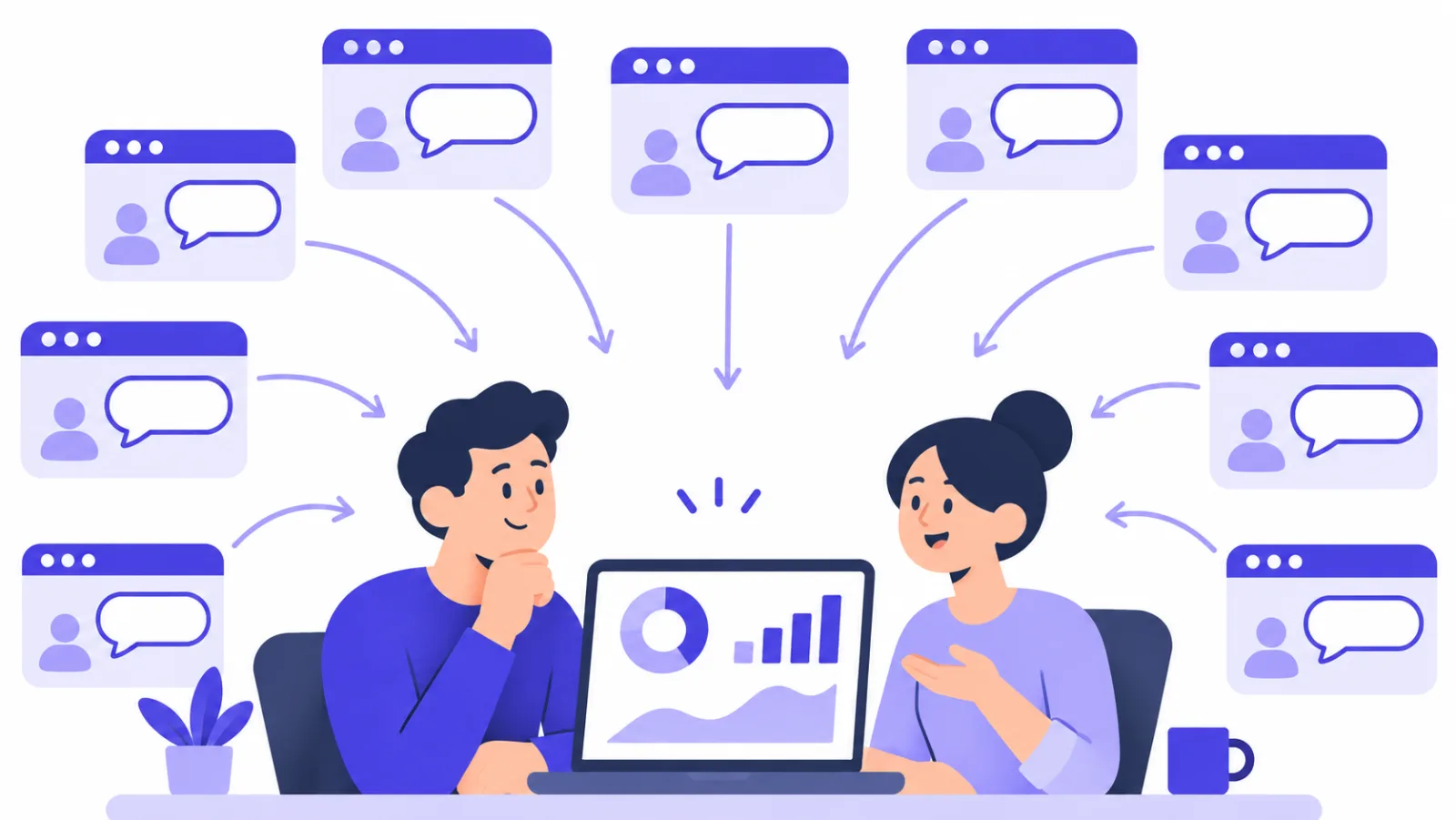
Live chat for SaaS earns its place at two moments: when someone on your pricing page is deciding whether to start a trial, and when a trial user gets stuck and is about to give up. A small SaaS or AI startup with nobody on support full time can catch both, as long as the tool shows who is on the site, reaches you on your phone, and keeps the lead when you cannot answer in time.
Key takeaways
- For an early SaaS or AI product, live chat is a sales and onboarding channel first and a support channel second: most questions come before or during the trial.
- A team without support staff needs three things more than any feature list: a view of who is on the site now, alerts that reach a phone, and a way to keep the visitor's email when nobody answers in time.
- Developer features matter more for SaaS than for most sites: telling signed-in users apart from strangers, an open API, webhooks, and chat inside your own app.
- Check how the price grows when you add a teammate or a second product, not just what the first month costs.
- Run the checklist below against your shortlist, then test the winner on your own pricing page for two weeks.
This guide is for founders and small product teams who have just launched: people are signing up, a few of them have questions, and nobody's job is to answer them. Below: why live chat is worth it at this stage, what to look for, a checklist, and how to set up SealReply so trial users and prospects do not slip away.
Why does a small SaaS or AI startup need live chat?
A small SaaS team needs live chat because the people most likely to pay, prospects comparing plans and trial users in their first session, have questions they will not send by email. Someone on your pricing page asking "does this work with my stack?" wants an answer in the next few minutes. If the only option is a contact form, most of them close the tab and try the next product on their list.
For AI products the questions are sharper. Visitors want to know what happens to the data they upload, whether the model handles their language or file type, and how usage is billed. These are short questions with a yes-or-no answer, and they block a sign-up until someone answers.
There is a second reason that has nothing to do with conversion. At this stage, talking to users is how you find out why trials do not turn into paying customers. Paul Graham's essay Do Things That Don't Scale makes the case that founders should do this by hand early on. Live chat is the cheapest way to have those conversations at the exact moment a user is confused.
| Moment | What the visitor is thinking | What happens without live chat |
|---|---|---|
| Pricing page | "Which plan do I need? Is there a limit I will hit?" | They pick nothing and leave to compare |
| Sign-up or onboarding | "Why can't I connect my account?" | The trial is started but never used |
| First real use | "Is this result right? Can it do X?" | They decide the product does not fit |
| Trial about to end | "Can I get a few more days? Do you invoice?" | They let it lapse instead of asking |
| Security review | "Where is our data stored? Who can read it?" | The deal stalls in an email thread |
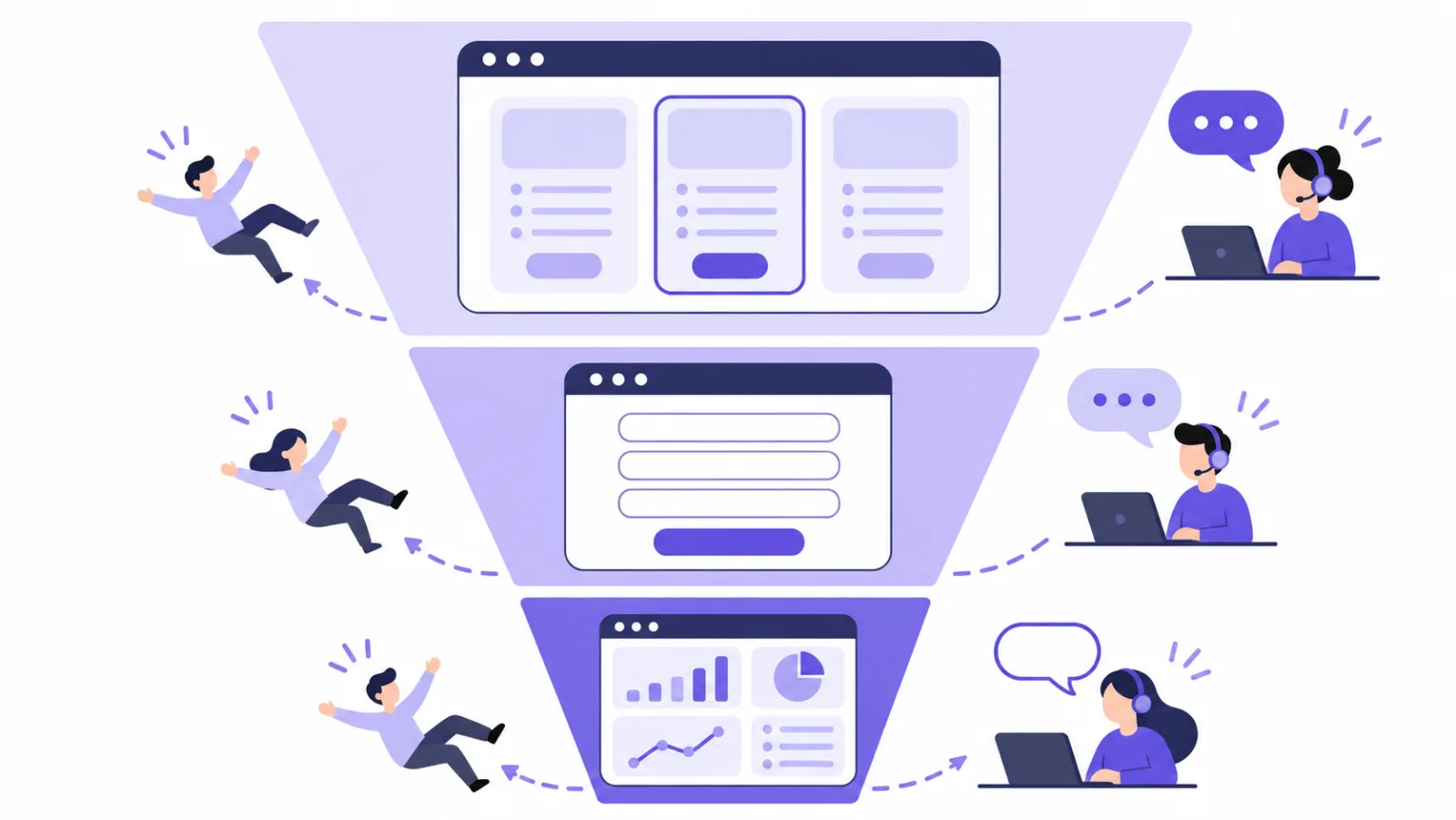
What should you look for in live chat for SaaS?
Look for the features that let two people cover a whole website and product without sitting in the inbox all day. Most live chat tools have the same chat button and inbox; what separates them for a SaaS team is the eight areas below.
| Area | Why it matters for a SaaS or AI startup | Question to ask the vendor |
|---|---|---|
| Live visitors | You can see a prospect on the pricing page and say hello before they leave | Does it show the current page and traffic source, and how often does it refresh? |
| When nobody answers in time | Founders are in meetings, writing code or asleep | Does the widget ask for an email after a set wait, and can I reply by email? |
| Phone alerts | Coverage happens from your phone, not a support desk | Is there a mobile app or browser push, and what do notifications show? |
| Signed-in users | A paying customer and an anonymous visitor need different answers | Can my app tell the widget who is signed in, in a way visitors cannot fake? |
| Leads and follow-up | Enterprise trials and pilots take weeks to close | Can I set a stage, an owner and a follow-up date on a chat? |
| Open API and webhooks | Chats should flow into Slack, your CRM or your own admin | Which events are sent, are they signed, and which plan includes them? |
| Chat inside your app | Many SaaS and AI products also ship a mobile app | Do I need to install an SDK, or can I open a chat page in a WebView? |
| Pricing model | Your team and product line will grow | What is the price tied to: seats, websites, chats, or AI replies? |
Who is on your site right now?
A live visitor list is a page in the chat tool that shows everyone on your website at this moment, which page they are reading and where they came from. For a SaaS team it is the closest thing to a sales floor: a visitor who has sat on the pricing page for two minutes, or came back for the third time this week, is worth a short message. Check how often the list refreshes and whether you can start a chat from it.
What happens when nobody answers in time?
This is the question that matters most for a team without support staff. A good tool tells the visitor honestly that the reply is taking a while, asks for an email address, and sends your reply there later. A weak one leaves the visitor watching a spinner until they leave. Ask what happens outside business hours, too: the widget should switch to a message form rather than claim someone is online. How to never miss a customer when you're offline covers the settings in detail.
Will alerts reach you away from your desk?
Coverage at a startup happens from a phone: between meetings, on the train, at the weekend. Check that the tool has a mobile app or reliable push notifications, and test one on your own phone before you rely on it. On iPhone, a web app can only receive push notifications after it is added to the Home Screen on iOS 16.4 or later, which is Apple's rule (WebKit announcement). Also check what the notification shows: a lock screen that displays a customer's message is a privacy problem for B2B products.
Can the chat tell signed-in users apart?
Most SaaS chats come from people who are signed in to your product. The tool should let your app pass the user's ID to the widget with a server-side signature, so agents see who they are talking to and nobody can pretend to be another customer by editing the page. Identify logged-in users in live chat explains why an unsigned user ID is not enough.
Do not pass a plain user ID
If your app tells the chat widget "this is user 1042" without a signature, anyone can open the browser console, change the number and read or write as another customer. Only use identity features that sign the ID on your server.
Does it fit your stack?
For a technical team, an open API and signed webhooks decide whether chat stays a separate tool or becomes part of your workflow. Typical uses: post new chats to a Slack channel, create a CRM contact when a visitor leaves an email, or show recent chats in your own admin panel. If you ship a mobile app, check whether in-app chat needs an SDK in every release or just a link opened in a WebView.
A checklist for choosing live chat for a startup
Tick these off for each tool on your shortlist. A tool that misses any of the first five will cost you trial users within a month.
- A live visitor list that shows the current page and source, and lets you start a chat
- Invitations that pop up on chosen pages after a set time or scroll depth, with a limit on how often the same visitor sees them
- A wait-time prompt that asks for an email when nobody answers in time, with replies sent by email
- Business hours with a message form outside them
- Phone alerts through an app or push notifications, with nothing sensitive on the lock screen
- Signed identity for users who are logged in to your product
- Lead stages, owners and follow-up reminders on each conversation
- An open API and signed webhooks, and you know which plan includes them
- In-app chat for your mobile app without a native SDK
- Encrypted storage, export and per-user deletion, because your own customers will ask in security reviews
- A predictable price when you add a teammate, a second product or more traffic
If you want the general version of this list, for any small business rather than SaaS, see how to choose live chat software.
How do you catch trial users with SealReply?
You set it up in eight steps, most of them a single switch in the console. The steps follow a visitor from the pricing page to a closed deal. Everything except the API, webhooks and translation is on every plan, including Free.
1. Install the widget and verify your domain
Paste the embed code into your marketing site and your app, then verify the domain with a DNS record or an uploaded file. The widget is an async script of about 38 KB that does not block the page from rendering. For React or Next.js apps, how to add live chat to Next.js shows where to put it so it loads once.
2. Watch Live visitors and say hello
Live visitors in the console lists everyone on your sites right now: the page they are reading, how they got there, and whether someone is already chatting with them. It refreshes every 10 seconds and works on every plan; the list does not show email addresses, phone numbers or IP addresses.
When a prospect has been on the pricing page for a while, click Start chat and write one line, such as "Comparing plans? Happy to tell you which one fits." Your message appears next to the chat button; the chat does not pop open by itself. A chat you start this way counts toward your monthly conversations, and the owner can cap how many chats each agent starts per hour so nobody is pestered.
To do this without watching the list, add Invitations under your site's settings: for example, after 30 seconds on /pricing, or once a visitor has scrolled 60% down your docs page. An invitation only shows while someone can chat, and you choose how many days must pass before the same visitor is invited again.
3. Turn on the wait-time reminder
Under Sites → your site → Hours & waiting, set the Wait-time reminder. If nobody answers a visitor's first message in time, the widget says so and asks for an email address; you choose a wait between 30 seconds and 30 minutes, and the default is 2 minutes. The chat is marked as missed, and you can answer it later from Offline messages with Reply by email. Set business hours on the same page, so visitors see a message form when you are closed.
Pick the wait for your real response time
If you usually answer within 5 minutes during the day, set the reminder to 2 or 3 minutes. The visitor leaves an email before they lose patience, and if you do answer in time, they never see the prompt.
4. Get alerts on your phone
Install the SealReply app on iPhone from the App Store, or on Android from the installer on our website, and sign in with your console account. You can also turn on browser push under Push notifications on this device in the account menu. Notifications do not show what the visitor wrote, so a lock screen does not leak a customer's question. Each teammate turns alerts on for their own devices, so whoever is on duty gets them.
5. Turn chats into tracked leads
Open a conversation and use the Follow-up card: set a Status (New, Qualified, Follow up, Won or Lost), an Owner and a Next follow-up time, and the owner is reminded when it is due. When a customer you are following up with comes back to your site, the console tells you which page they are on, so you can start a chat while they are still there. Customers lists everyone with a stage, and the Results report shows deals your team marked as won, with amounts.
6. Recognise signed-in users
In your app, call SealReply.identify() with the user's ID and a signature made on your server with the site's identity secret, and SealReply.reset() when they sign out. Agents then see which customer they are talking to, marked as verified, and the customer sees their earlier chats on any device.
7. Connect the API and webhooks
Under Developers, create an API key with only the scopes you need, such as reading conversations or sending messages, and add webhook endpoints for events like conversation.created, message.created, offline_message.created, visitor.identified and lead.updated. Every delivery is signed with HMAC-SHA256 in the X-Signature header. How to send live chat notifications to Slack and Telegram walks through a small forwarding script.
Which features are paid
The open API and webhooks are on Starter and above, with 10,000 API calls a month on Starter, 100,000 on Pro and 1,000,000 on Business. Message translation is on Pro and Business: it covers 30+ languages through Microsoft Azure Translator, has a monthly character allowance, and is off until the workspace owner turns it on. Everything else in this guide is on every plan.
8. Add chat to your mobile app with a WebView
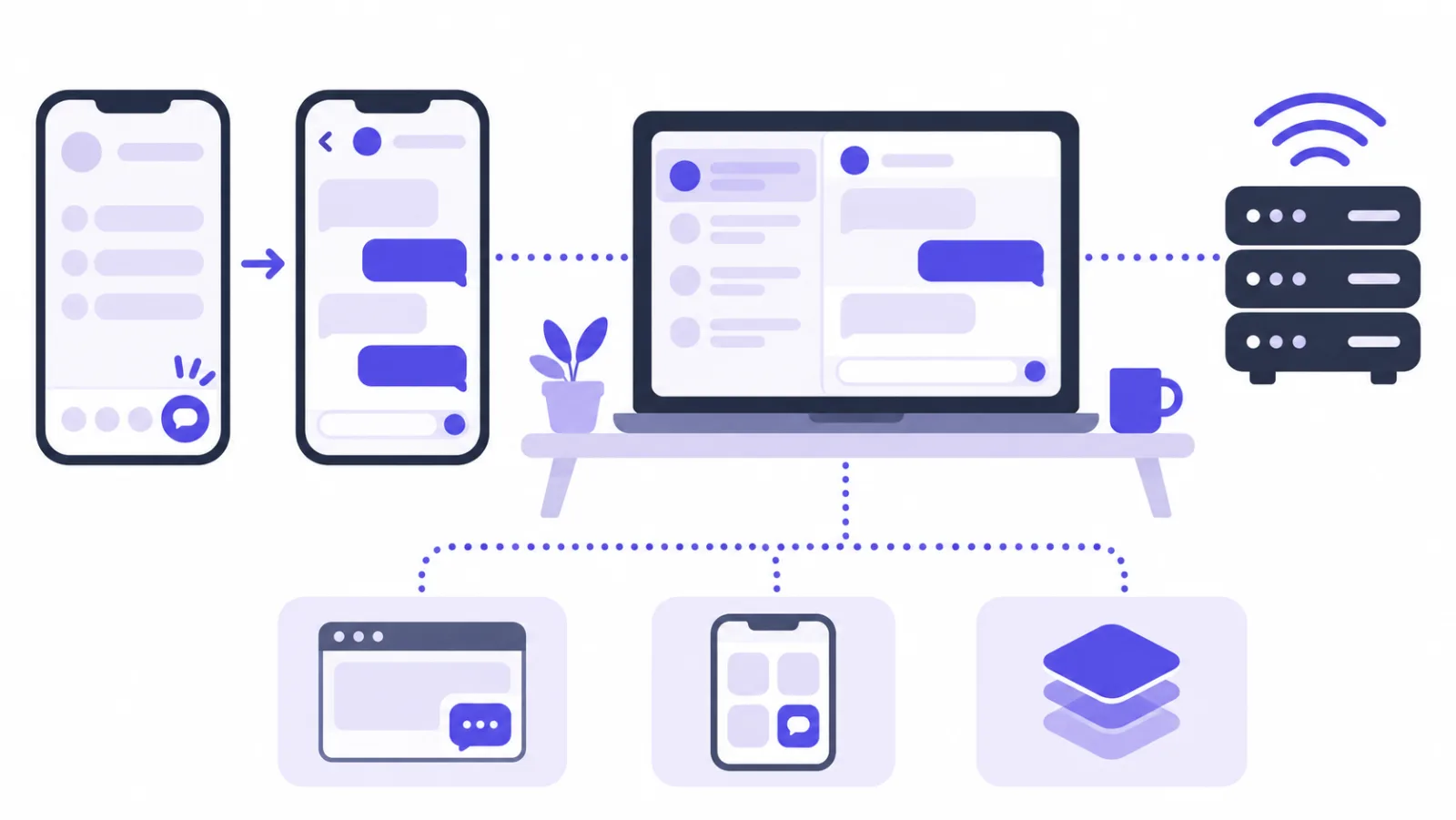
If you ship an iOS or Android app, you do not need an SDK. Open Sites → your site → Install, find Use in your app, click Turn on app chat, and copy the chat page link. Open that link from your app's "Contact us" button: the system's in-app browser works best (SFSafariViewController on iOS, as described in Apple's documentation, or Custom Tabs on Android), and a WebView works too, including in Flutter and React Native. Your agents answer in the same inbox as website chats. This is available on every plan.
Replies after the user leaves the app
The chat page cannot send push notifications to your users once they leave your app. If they left an email, your reply reaches them by email; if you want an in-app notification, use the message.created webhook to trigger your own push.
What does live chat cost for a startup?
SealReply is priced per workspace, and each plan includes a set number of agent seats and websites. You can start on Free with no time limit and no card, and the workspace owner can try the Business plan free for 14 days once.
| Free | Starter | Pro | Business | |
|---|---|---|---|---|
| Monthly price | $0 | $19 | $39 (founding price, later $49) | $99 |
| Agent seats / websites | 1 / 1 | 3 / 2 | 10 / 5 | 30 / 20 |
| Conversations per month | 300 | 2,000 | 10,000 | 50,000 |
| Chat history | 30 days | 180 days | 365 days | 365 days |
| Live visitors, invitations, wait-time reminder, push, follow-up | Yes | Yes | Yes | Yes |
| Chat in your mobile app | Yes | Yes | Yes | Yes |
| Open API and webhooks | — | Yes | Yes | Yes |
| Message translation | — | — | Yes | Yes |
| Hide "Powered by SealReply" | — | — | Yes | Yes |
Yearly billing costs the price of 10 months. A two-founder team usually starts on Free to test it on the pricing page, and moves to Starter when a second person needs a seat or chats should flow into Slack or a CRM. Current prices are on the pricing page.
FAQ
Do I need live chat before product-market fit?
Yes, if you have a website people sign up from. Before product-market fit, the most valuable thing a chat gives you is the reason a visitor did not sign up or a trial user got stuck. A free plan and one person checking alerts a few times a day is enough to start.
Should a startup use an AI chatbot instead of live chat?
Not necessarily. A chatbot answers routine questions, but early on the questions are rarely routine, and you learn more by answering them yourself. SealReply does not include an AI chatbot: every reply comes from your team, and the wait-time reminder and offline messages cover the hours when nobody is online.
How can two people cover live chat without burning out?
Set business hours that match when you actually work, turn on the wait-time reminder so visitors leave an email instead of waiting, and have both founders install the mobile app. Answer missed chats by email the next morning. Do not promise round-the-clock coverage in your greeting.
Can I use the same live chat on my marketing site and inside my app?
Yes. Add the website widget to both your marketing site and your web app, and open the hosted chat page in a WebView or in-app browser in your mobile app. All of these conversations land in the same SealReply inbox, and signed-in users can be identified so agents see who they are.
Is live chat data safe enough for B2B customers?
Ask the vendor how messages are stored and who on their side can read them. SealReply encrypts messages before storing them, gives each customer its own key, and requires two-person approval, with a notice to you, before platform staff can view anything. Every plan can export and delete one visitor's data.
Next steps
Install the widget on your pricing page, turn on the wait-time reminder and phone alerts, and run it for two weeks before you decide anything else. For the full picture of answering, following up and closing deals from chat, read live chat for small business.