 SealReply
Send Live Chat Notifications to Slack, Telegram, Feishu and DingTalk
Your team already lives in a group chat. Here is a small forwarder that catches live chat webhooks, checks the signature and posts each new question into Slack, Telegram, Feishu or DingTalk.
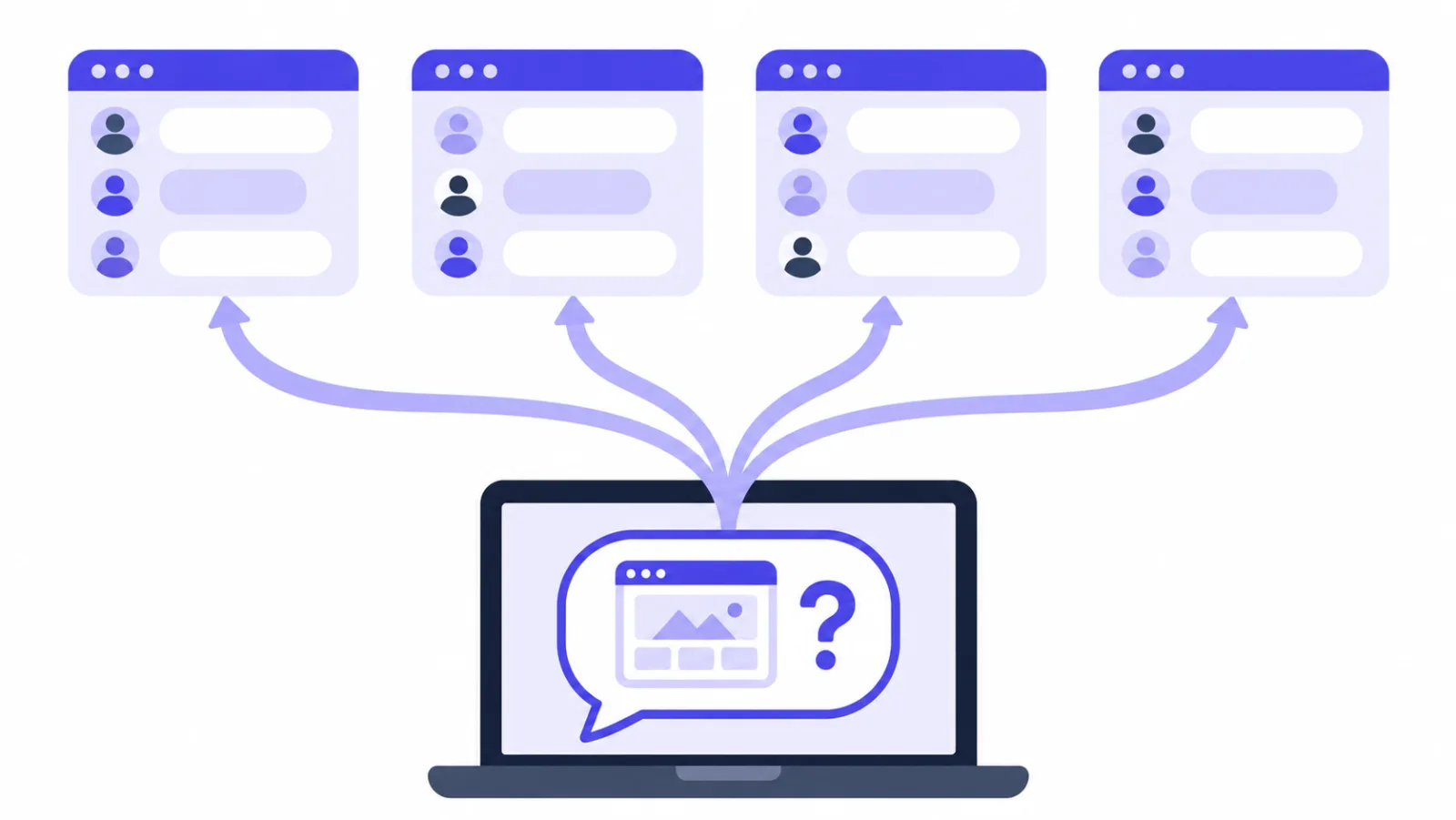
To get a live chat Slack notification — or a Telegram, Feishu or DingTalk one — you put one small program between SealReply and the group: it receives the webhook, verifies the signature, and posts a one-line summary to the group bot's URL. The whole forwarder is a single Node file with no dependencies, about 50 lines for one platform and a bit over a hundred for all four.
Key takeaways
- All four platforms let you post into a group with an incoming webhook or bot token; no app review or OAuth is needed.
- The forwarder verifies the
X-Signatureheader against the raw body, answers 200 at once, and de-duplicates byX-SealReply-Event-Id. - Subscribe to just two events: "A message or note is sent" and "A visitor leaves an offline message".
- Feishu and DingTalk sign their bot requests in opposite ways; mixing them up is the most common reason nothing arrives.
- Webhooks are a paid feature (Starter and up). If you only need alerts, push notifications need no code at all.
Below: how to get the four bot URLs, the forwarder itself, where to run it, and the trade-offs that keep the group from turning into noise.
Why send live chat notifications to Slack instead of watching a dashboard?
Because the people who can answer the hard questions are already in the group chat, not in the console. A chat dashboard is for the person whose job is answering chats. But the people who answer the hard questions usually aren't in it: the developer, whoever packs the orders, the founder. When a visitor asks "does this ship to Canada", you want that sentence to land where those people already are.
Two things come for free once it does. Whoever is free answers first, without anyone assigning anything. And the group keeps a record, so a scroll back through the evening tells you whether anything got dropped.
Webhooks are on paid plans
Webhooks need the Starter plan or above. If all you want is to be told that someone is asking something, you don't need any of this — the mobile app, push notifications and business hours cover it, as described in how to never miss a customer when you're offline. Webhooks are for when the event has to reach your group, or your own systems.
Before you start, you need three things:
- A SealReply workspace on Starter or above, with the chat widget installed on your site.
- Somewhere to run a small Node 18+ program with a public HTTPS address: a small VPS, or a serverless function.
- Admin rights in the Slack workspace, Telegram group, Feishu group or DingTalk group you want to post into.
How do you get a bot URL for Slack, Telegram, Feishu and DingTalk?
All four platforms have a "post into this room" endpoint that needs no app review and no OAuth. What you get back differs: Slack and Feishu hand you a complete URL, DingTalk a URL plus a token, Telegram a bot token where you still have to find the chat ID yourself.
Slack
Slack's incoming webhooks guide covers this in full; the short version: go to api.slack.com/apps, Create New App → From scratch, name it and pick the workspace. In the sidebar click Incoming Webhooks, flip it on, then Add New Webhook to Workspace, choose a channel and authorize. The URL appears back on that page and looks like https://hooks.slack.com/services/T…/B…/….
To post into a private channel you have to be a member of it yourself.
Telegram
Message @BotFather, send /newbot and follow the prompts (Telegram's BotFather guide explains each step). You get a token like 123456:AA…. Add the bot to your group, send any message there, then open:
https://api.telegram.org/bot<your-token>/getUpdates
chat.id in the response is your chat ID. For groups and channels it is negative, like -1001234567890 — copy the minus sign too.
Feishu
In the group, Settings → Group bots → Add bot → Custom bot. Name it, then pick at least one option under Security settings. Signature verification is the one to use; it gives you a secret. (The alternative, a required keyword, means every message you send must contain that word.) The URL looks like https://open.feishu.cn/open-apis/bot/v2/hook/<token>. Feishu's custom bot guide lists the security options and the signing rule.
DingTalk
In the group, Group settings → Bots → Add bot → Custom. Same deal: at least one security option (keyword, signature, or an IP range). Signature gives you a secret starting with SEC; DingTalk's robot security settings page describes all three options. The URL looks like https://oapi.dingtalk.com/robot/send?access_token=….
Each platform expects a different request body, so the forwarder builds one per platform:
| Platform | Body |
|---|---|
| Slack | {"text": "…"} |
| Telegram | {"chat_id": "-100…", "text": "…"} |
| Feishu | {"msg_type": "text", "content": {"text": "…"}} |
| DingTalk | {"msgtype": "text", "text": {"content": "…"}} |
What does the forwarder script do?
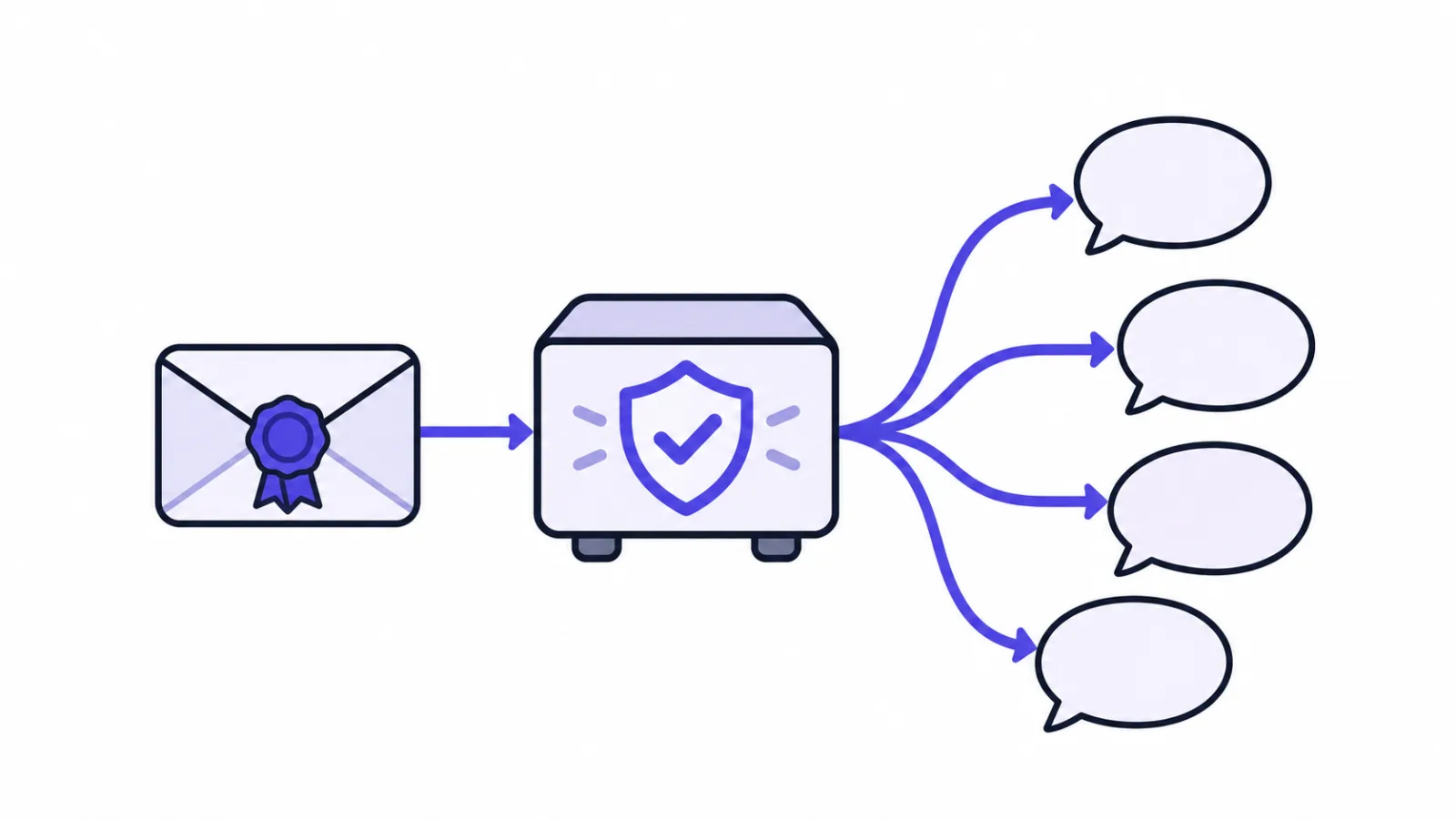
Four jobs: verify, de-duplicate, turn the event into one sentence, send it in each platform's shape. Node 18 or newer, no npm install, one forward.mjs.
Verification first. A webhook endpoint is a public URL that anyone can POST to, so every request gets checked against the raw body, and anything with a timestamp more than five minutes off is dropped:
import { createServer } from "node:http";
import { createHmac, timingSafeEqual } from "node:crypto";

const SECRET = process.env.SEALREPLY_WEBHOOK_SECRET;
const APP = "https://app.sealreply.com";
const seen = new Map(); // event id -> when it arrived, for de-duplication

function verify(header, raw) {
  const p = Object.fromEntries((header ?? "").split(",").map((x) => x.split("=", 2)));
  if (!p.v1 || !/^\d+$/.test(p.t ?? "") || Math.abs(Date.now() / 1000 - Number(p.t)) > 300) return false;
  const mine = Buffer.from(createHmac("sha256", SECRET).update(`${p.t}.`).update(raw).digest("hex"));
  const theirs = Buffer.from(p.v1);
  return mine.length === theirs.length && timingSafeEqual(mine, theirs);
}
Why it's written this way, and the same function in Python, PHP and Go, is in how to verify a webhook signature. One thing bears repeating here: verify against the bytes you received. Running JSON.parse and then JSON.stringify to get them back produces a different string and a different digest.
Next, turning an event into a sentence. Only two events are needed: message.created and offline_message.created. Note that message.created also fires for your own team's replies, so filter on sender.type — otherwise every answer your agents type shows up in the group:
// Turn an event into one notification. null means "do not forward".
function notice(ev) {
  if (ev.type === "message.created") {
    const { message: m, conversation: c } = ev.data;
    if (m.sender.type !== "visitor") return null; // only what the visitor said
    return {
      title: "New chat",
      body: m.text ?? `[${m.content_type}]`,
      who: `Visitor ${c.visitor_id.slice(0, 8)}`,
      label: "Open chat",
      link: `${APP}/conversations/${c.id}`,
    };
  }
  if (ev.type === "offline_message.created") {
    const o = ev.data.offline_message;
    return {
      title: "Offline message",
      body: o.content,
      who: `${o.name ?? "Visitor"} ${o.email}`,
      label: "Open message",
      link: `${APP}/offline-messages`,
    };
  }
  return null;
}
link is the most valuable part of the notification: one tap lands on that exact conversation instead of a list. When a visitor hasn't given a name, the first eight characters of visitor_id work as a handle — enough to see that three messages in a row are the same person.
Then the sending. Each platform is enabled by its environment variable, so you can start with one and add the rest later:
const post = (url, body) =>
fetch(url, { method: "POST", headers: { "content-type": "application/json" }, body: JSON.stringify(body) });
const plain = (n) => `${n.title} · ${n.who}\n${n.body}\n${n.link}`;
// Slack needs & < > escaped, or it reads them as its own link syntax
const slackSafe = (s) => s.replaceAll("&", "&").replaceAll("<", "<").replaceAll(">", ">");
async function fanOut(n) {
const jobs = [];
if (process.env.SLACK_WEBHOOK_URL) {
jobs.push(post(process.env.SLACK_WEBHOOK_URL, {
text: `*${slackSafe(n.title)}* · ${slackSafe(n.who)}\n${slackSafe(n.body)}\n<${n.link}|${n.label}>`,
}));
}
if (process.env.TELEGRAM_TOKEN) {
jobs.push(post(`https://api.telegram.org/bot${process.env.TELEGRAM_TOKEN}/sendMessage`, {
chat_id: process.env.TELEGRAM_CHAT_ID,
text: plain(n),
disable_web_page_preview: true,
}));
}
if (process.env.FEISHU_WEBHOOK_URL) {
const body = { msg_type: "text", content: { text: plain(n) } };
if (process.env.FEISHU_SECRET) {
const ts = Math.floor(Date.now() / 1000).toString(); // seconds
// Feishu: "<timestamp>\n<secret>" is the HMAC key, the message is empty
body.timestamp = ts;
body.sign = createHmac("sha256", `${ts}\n${process.env.FEISHU_SECRET}`).digest("base64");
}
jobs.push(post(process.env.FEISHU_WEBHOOK_URL, body));
}
if (process.env.DINGTALK_WEBHOOK_URL) {
let url = process.env.DINGTALK_WEBHOOK_URL;
if (process.env.DINGTALK_SECRET) {
const ts = Date.now().toString(); // milliseconds
// DingTalk: the secret is the key, "<timestamp>\n<secret>" the message, base64 then URL-encoded
const sign = createHmac("sha256", process.env.DINGTALK_SECRET)
.update(`${ts}\n${process.env.DINGTALK_SECRET}`).digest("base64");
url += `×tamp=${ts}&sign=${encodeURIComponent(sign)}`;
}
jobs.push(post(url, { msgtype: "text", text: { content: plain(n) } }));
}
for (const r of await Promise.allSettled(jobs)) {
if (r.status === "rejected") console.error("forward failed", r.reason);
else if (!r.value.ok) console.error("forward failed", r.value.status, await r.value.text());
}
}
Feishu and DingTalk sign in opposite ways
They look alike and they aren't. This is where most of the lost time goes; details below.
Feishu uses "<timestamp>\n<secret>" as the HMAC key over an empty message, with seconds, and puts the signature in the body. DingTalk uses the secret as the key and "<timestamp>\n<secret>" as the message, with milliseconds, base64 and then URL-encoded onto the query string. Copying one of them while reading the other's docs produces a signature mismatch and very little else to go on.
Last, the server. Two things matter: answer before you work, and de-duplicate by event ID:
createServer((req, res) => {
  const chunks = [];
  req.on("data", (c) => chunks.push(c));
  req.on("end", async () => {
    const raw = Buffer.concat(chunks);
    if (req.method !== "POST" || !verify(req.headers["x-signature"], raw)) return res.writeHead(401).end();
    res.writeHead(200).end(); // acknowledge first, forward after
    const id = req.headers["x-sealreply-event-id"];
    if (seen.has(id)) return;
    seen.set(id, Date.now());
    for (const [k, t] of seen) if (Date.now() - t > 36e5) seen.delete(k);
    try {
      const n = notice(JSON.parse(raw.toString("utf8")));
      if (n) await fanOut(n);
    } catch (e) {
      console.error("handling the event failed", e);
    }
  });
}).listen(process.env.PORT ?? 8080);
SealReply expects any 2xx within 10 seconds, then retries after 1 minute, 5 minutes, 30 minutes, 2 hours, 6 hours and 24 hours, and switches off an endpoint that fails for three days straight. Waiting on four outbound calls before answering is an easy way to blow the 10 seconds, so the 200 goes out first.
De-duplication uses the X-SealReply-Event-Id header, which stays the same across retries and manual resends. The in-memory Map above holds an hour and empties on restart — good enough for "don't post it twice", which is all it's for.
How do you turn on the webhook in SealReply?
In the console, open Developers → Webhooks → Add endpoint:
- Endpoint URL: your server's public HTTPS address, e.g.
https://hooks.yourdomain.com/sealreply. Private ranges andlocalhostare refused. - Events: tick just two, "A message or note is sent" and "A visitor leaves an offline message". Fewer events, fewer useless lines in the group.
- Copy the signing secret (
whsec_…) — it is shown once. Lost it? New secret issues another and kills the old one immediately.
Then hit Send test event, which delivers a ping. ping isn't one of the two types the script handles, so nothing appears in the group, but the Delivery log should show a 200. That log keeps 30 days of deliveries with status, response code, time taken, next retry and the exact body sent — it answers most questions on its own. To see a real group message, go to your own site and ask something.
A workspace can have 10 endpoints, so split by site in the script rather than adding one per site if you run many.
Where should you run the forwarder?
The cheapest VPS you can find is enough; memory use is in the single-digit megabytes. Put the script at /opt/sealreply-forward/forward.mjs and the secrets in a root-only env file:
# /etc/sealreply-forward.env (chmod 600)
SEALREPLY_WEBHOOK_SECRET=whsec_…
SLACK_WEBHOOK_URL=https://hooks.slack.com/services/…
TELEGRAM_TOKEN=123456:AA…
TELEGRAM_CHAT_ID=-1001234567890
A systemd unit keeps it up across reboots and crashes:
# /etc/systemd/system/sealreply-forward.service
[Unit]
Description=SealReply webhook forwarder
After=network.target

[Service]
ExecStart=/usr/bin/node /opt/sealreply-forward/forward.mjs
EnvironmentFile=/etc/sealreply-forward.env
Restart=always
User=nobody

[Install]
WantedBy=multi-user.target
systemctl enable --now sealreply-forward starts it; journalctl -u sealreply-forward -f follows the logs.
TLS belongs to whatever sits in front. Caddy is the least work — three lines and the certificate handles itself:
hooks.yourdomain.com {
  reverse_proxy 127.0.0.1:8080
}
Don't let the proxy touch the body. Rewriting, re-compressing or re-encoding it breaks the signature. Caddy and Nginx leave it alone by default, but if you have something like sub_filter switched on, exclude this path.
On a serverless function
If you'd rather not keep a box alive, the same logic runs on Cloudflare Workers, Vercel or any function-as-a-service, with two adjustments.
Get the raw body. Runtimes love to parse JSON for you. Find the method that hands you the bytes — await request.text() on Workers, bodyParser switched off on Vercel's Node runtime — or your signature will never match.
Rethink de-duplication. Instances come and go, so an in-memory Map is unreliable. Either keep event IDs in a KV store with a one-hour expiry, or skip de-duplication entirely: duplicate deliveries are rare, and one repeated line in a group chat is cheaper than a datastore.
How do you keep the group chat from getting noisy?
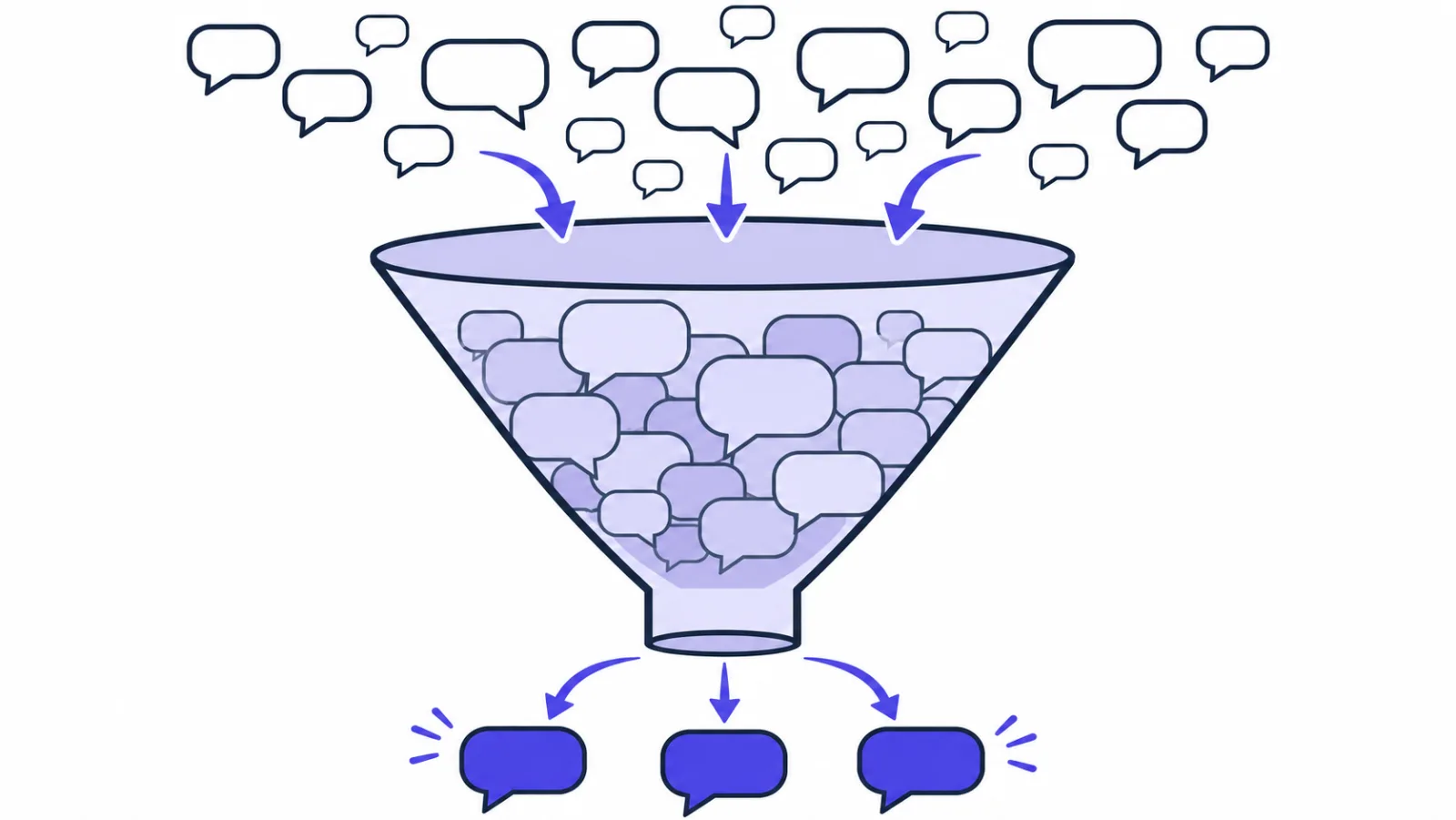
Once forwarding works, the next complaint is usually that the group is too loud and people have muted the bot. What actually helps:
- Only the first message. A conversation is a dozen messages, but only the opening one needs to interrupt anybody. Check
conversation.status: it iswaitinguntil someone on your side replies publicly. Forward only while it'swaitingand each conversation produces exactly one line. - Only the ones nobody caught. If somebody watches the dashboard during the day, skip
message.createdaltogether and subscribe tooffline_message.createdonly, so the group covers the hours you don't. - Different rooms. Pre-sales into the sales channel, error reports into the engineering one: pick a different bot URL based on
conversation.site_id, or on keywords in the message. - Don't ship the whole conversation. Group chats are usually more loosely permissioned than your console. Truncate the body to a couple of hundred characters and let the link carry the rest — especially when visitors are leaving email addresses and phone numbers.
That last one deserves a sentence of its own. In the console, visitor data is stored encrypted with a key of its own per customer; once you forward it into a 200-person channel, the only thing protecting it is that channel's membership list. "Someone asked something" plus a one-line summary travels much more safely than a full transcript.
What if notifications don't arrive?
In this order, and you will usually find it on the first or second step:
- What status code is in the delivery log? A 401 means your verification rejected it (the troubleshooting list in the signature article covers the usual causes). A 5xx or a timeout means your script threw. Stuck on "Retrying" means nothing is reachable — check DNS and the firewall.
- 200 in the log but silence in the group? Then the outbound call failed; look for "forward failed" in
journalctl. Common causes: the Feishu and DingTalk signatures swapped; DingTalk set to keyword mode with no keyword in the text; a Telegram chat ID missing its minus sign; a regenerated Slack URL. - Only your own agents' replies show up? The
sender.typefilter isn't firing. Make sure you're readingev.data.message.sender.type. - Everything posted twice? De-duplication isn't working. Header names arrive lowercase in Node, so read
x-sealreply-event-id.
FAQ
Can I reply to website visitors from Slack or Telegram?
No, the forwarder is one-way: it posts a notification and a link. Tap the link to open that conversation in the SealReply console or mobile app and reply there. Keeping replies in SealReply also keeps the visitor's details encrypted in one place instead of spread across group chats.
Do I need a paid plan to get live chat notifications in Slack?
Yes, for this method. Webhooks need the Starter plan or above. Push notifications to your phone and computer, and the SealReply mobile app, need no webhook and no code.
Do I need my own server for the forwarder?
You need somewhere that can receive HTTPS requests from the internet. The cheapest VPS works, and so does a serverless function such as Cloudflare Workers or Vercel, as long as you can read the raw request body. localhost and private network addresses are refused as endpoint URLs.
How do I find a Telegram group's chat ID?
Add the bot to the group, send any message there, then open https://api.telegram.org/bot<your-token>/getUpdates in a browser. The chat.id in the response is the group's ID. For groups and channels it is negative, like -1001234567890, and the minus sign is part of it.
Why does Feishu or DingTalk say the signature doesn't match?
Usually because the two signing methods got mixed up. Feishu uses "<timestamp>\n<secret>" as the HMAC key over an empty message with a timestamp in seconds; DingTalk uses the secret as the key and "<timestamp>\n<secret>" as the message, with milliseconds, then URL-encodes the result. Also check the server clock: Feishu rejects a timestamp more than an hour away from its own time.
Is it safe to forward visitor messages into a group chat?
It is as safe as the group's membership list. In the SealReply console, visitor data is stored encrypted with a key of its own per customer; in a group chat, anyone in the group can read and forward it. Send a short summary and a link rather than full transcripts, emails and phone numbers.
Where to go next
Once this is running, the other events are worth a look: lead.updated can push leads into your own CRM, visitor.identified can trigger a welcome email the moment someone leaves an address, conversation.closed can archive the day into a warehouse. The events and their fields are in the developer documentation.
If the chat widget isn't on your site yet, start there and come back for the forwarder: getting started with SealReply takes about five minutes, and live chat for small business covers the whole path from installing to closing a sale.