 SealReply
How to Verify a Webhook Signature (Node, PHP, Go, Python)
Your webhook endpoint is a public URL that anyone can POST to. Here is how signature verification actually works, in four languages, and what to check when the signature never matches.
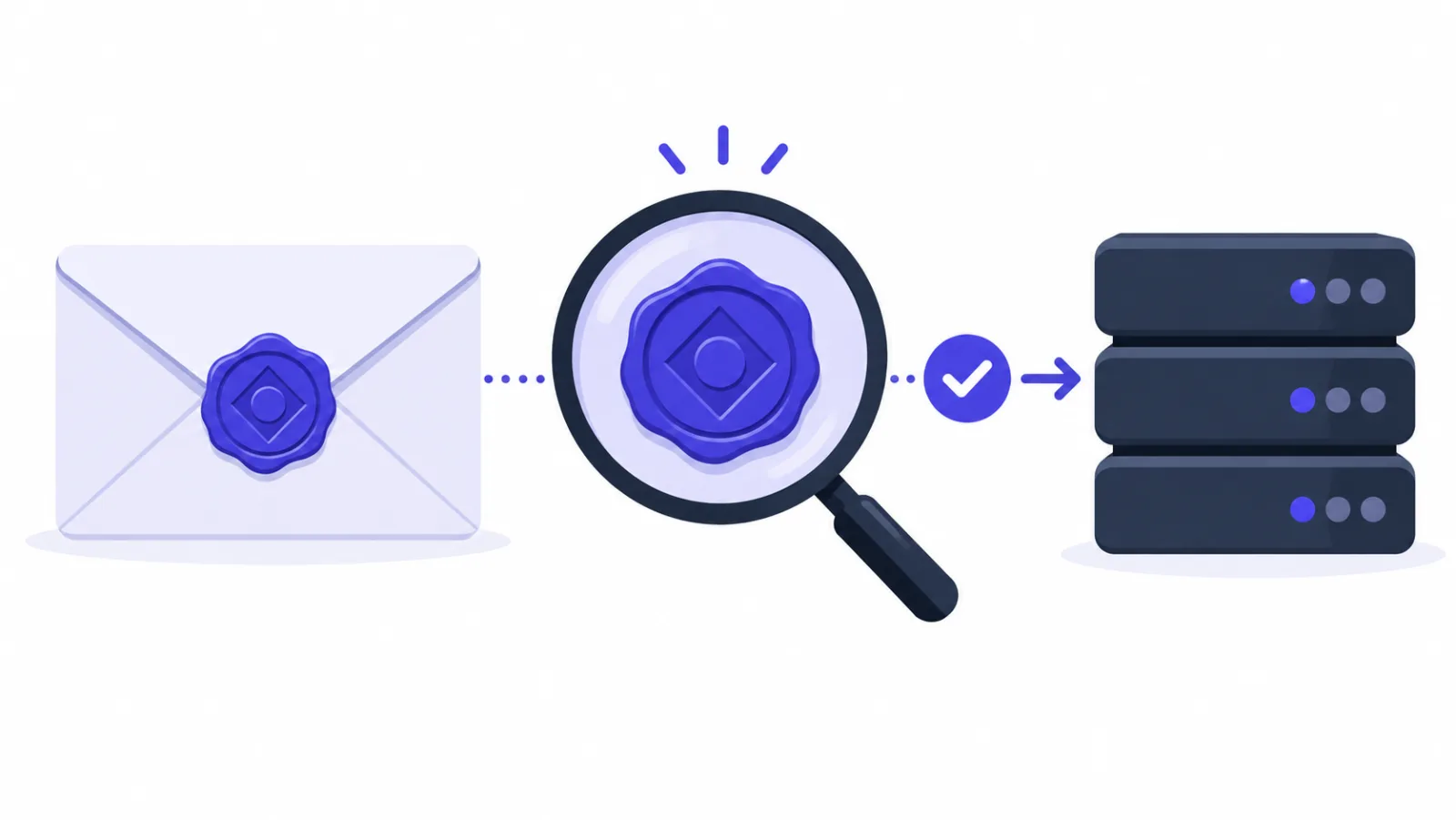
To verify a webhook signature, you take the signing secret, compute an HMAC-SHA256 over the string "<timestamp>.<raw request body>", and compare the result to the signature in the request header using a constant-time function — then reject anything whose timestamp is more than five minutes off. Skip any one of those steps and your endpoint is still a public write API.
This post covers why the check matters, how the signature is built, four implementations you can paste into a project today, and the handful of reasons a correct-looking implementation still returns invalid.
What happens if you skip it
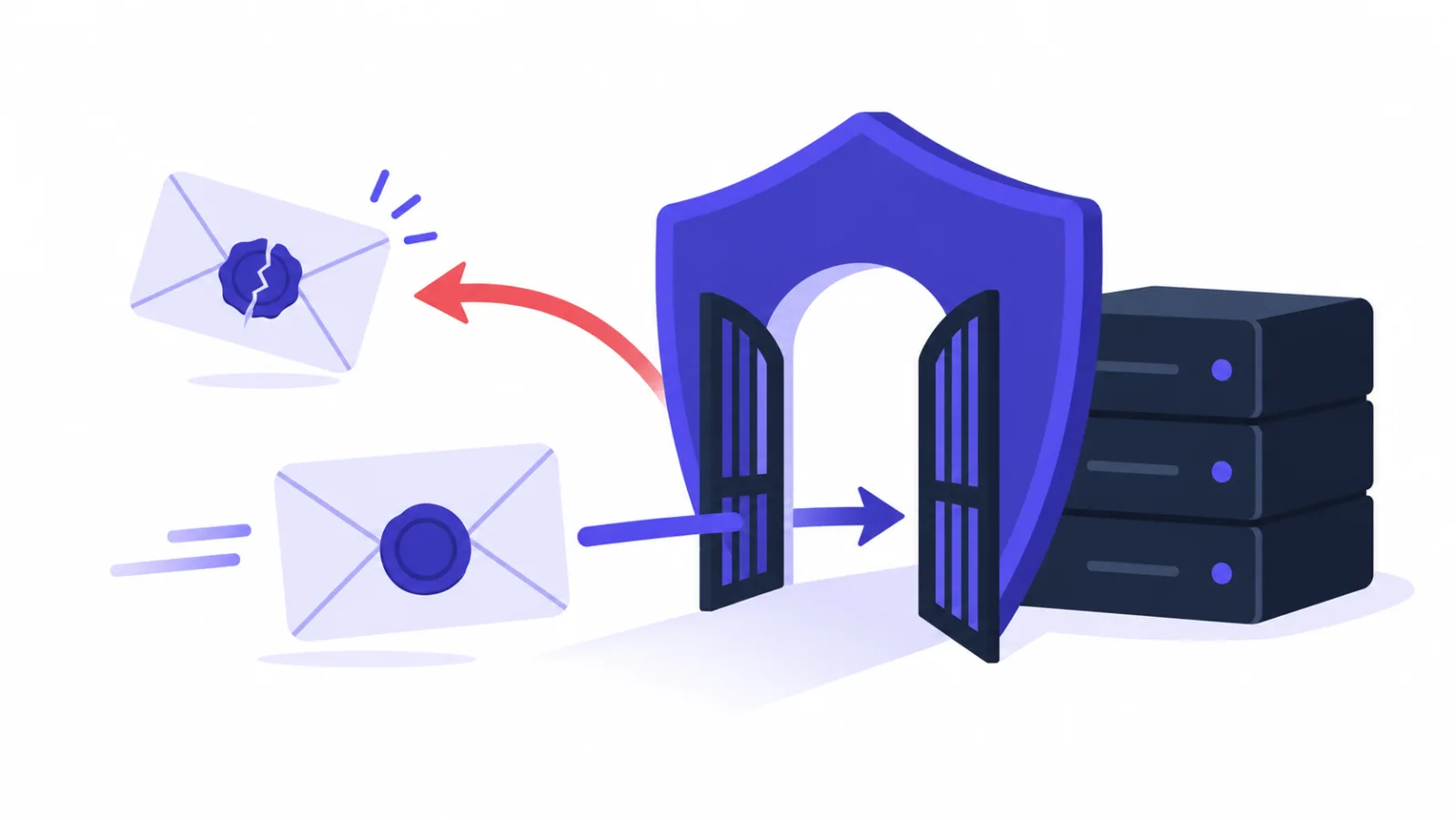
A webhook endpoint has to be a public HTTPS URL — that is how deliveries reach you. It also means anyone can POST to it. Two things go wrong:
Forgery. Someone reads your provider's public docs, hand-rolls the same JSON, and sends it to you. If that event creates an order, grants credit, or writes a "deal won" row into your CRM, you have published a write endpoint. And endpoint URLs leak more easily than people expect: front-end bundles, public repos, screenshots of a network tab.
Replay. Even a genuine request becomes a problem if it is captured and sent again, and again. That is why the timestamp is part of what gets signed, and why you have to check it.
Two things that feel like protection but aren't:
- HTTPS alone. It proves the payload wasn't read or modified in transit. It says nothing about who sent it.
- A secret in the URL, like
/hooks?key=abc123. Full URLs end up in access logs, proxy logs, and monitoring dashboards, and rotating one means changing the endpoint everywhere.
A signature answers the question those two can't: was this sent by someone holding the secret, and is the body byte-for-byte what they sent?
What the signature looks like
SealReply sends this header on every delivery:
X-Signature: t=1793525957,v1=413882683ef3f416e353fe8c13a8358135e80f7630f92ef02b1e5edd37e655fd
tis the Unix timestamp of the delivery, in seconds.v1is the lowercase hex HMAC-SHA256 of"<t>.<raw body>", keyed with your signing secret (whsec_…).
Most providers use some variation of this; the ordering and header name differ, the idea doesn't. Signing the timestamp along with the body is what makes the freshness check meaningful — change t and v1 no longer matches, so an attacker can't re-date an old capture.
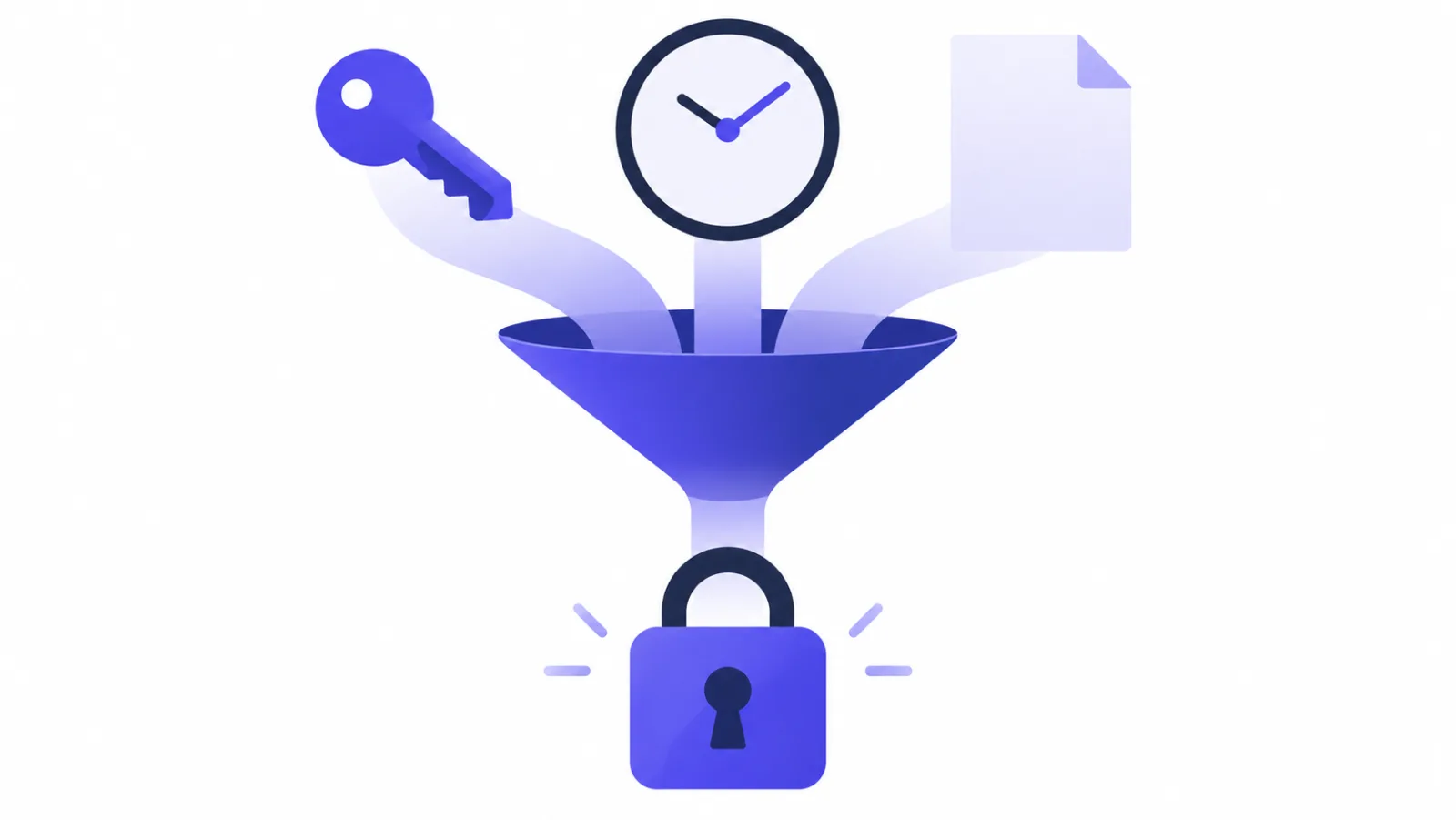
HMAC is not encryption. It is a keyed digest: the same secret over the same bytes always produces the same output, one byte of difference produces a completely different output, and seeing the output doesn't help you recover the secret.
Three things the code has to get right
The function is fifteen lines, but each line is there for a reason.
- Hash the raw body, not parsed JSON. This is the mistake nearly everyone makes; there's a whole section on it below.
- Compare in constant time.
==returns at the first differing byte, and the timing difference is enough to guess a signature byte by byte. Every runtime ships a function for this:crypto.timingSafeEqual,hmac.compare_digest,hash_equals,hmac.Equal. - Check the timestamp, with a tolerance. Five minutes is a good default — wide enough for clock drift and retries, narrow enough that a captured request stops working quickly.
Four implementations
These are the examples from the SealReply docs. All four use the standard library only — no dependencies. They were run while writing this post: sign a body, all four print ok; flip one byte of the signature, all four print invalid.
Node.js
import crypto from "node:crypto";

const TOLERANCE_SECONDS = 5 * 60;

// header: the X-Signature request header. rawBody: the body as received (Buffer or string).
export function verifySignature(secret, header, rawBody, now = Date.now() / 1000) {
  const parts = Object.fromEntries((header ?? "").split(",").map((p) => p.split("=", 2)));
  const t = Number(parts.t);
  if (!parts.v1 || !Number.isInteger(t) || Math.abs(now - t) > TOLERANCE_SECONDS) return false;
  const expected = crypto.createHmac("sha256", secret).update(`${parts.t}.`).update(rawBody).digest("hex");
  const a = Buffer.from(expected);
  const b = Buffer.from(parts.v1);
  return a.length === b.length && crypto.timingSafeEqual(a, b);
}
timingSafeEqual throws if the two buffers differ in length, so the length check comes first.
In Express, the route needs the raw body, which means express.raw on that route specifically:
app.post("/hooks", express.raw({ type: "application/json" }), (req, res) => {
  if (!verifySignature(process.env.SEALREPLY_WEBHOOK_SECRET, req.get("X-Signature"), req.body)) {
    return res.sendStatus(401);
  }
  const event = JSON.parse(req.body.toString("utf8"));
  res.sendStatus(200); // acknowledge first, work after
});
Python
import hashlib, hmac, time

TOLERANCE_SECONDS = 5 * 60

def verify_signature(secret: str, header: str, raw_body: bytes, now: float | None = None) -> bool:
    parts = dict(p.split("=", 1) for p in (header or "").split(",") if "=" in p)
    try:
        t = int(parts["t"])
        signature = parts["v1"]
    except (KeyError, ValueError):
        return False
    if abs((now or time.time()) - t) > TOLERANCE_SECONDS:
        return False
    expected = hmac.new(secret.encode(), f"{t}.".encode() + raw_body, hashlib.sha256).hexdigest()
    return hmac.compare_digest(expected, signature)
The raw body is request.body in Django, request.get_data() in Flask (not request.json), and await request.body() in FastAPI.
PHP
const SEALREPLY_TOLERANCE_SECONDS = 300;

function sealreply_verify_signature(string $secret, string $header, string $rawBody, ?int $now = null): bool
{
    $parts = [];
    foreach (explode(',', $header) as $part) {
        $pair = explode('=', $part, 2);
        if (count($pair) === 2) {
            $parts[$pair[0]] = $pair[1];
        }
    }
    if (!isset($parts['t'], $parts['v1']) || !ctype_digit($parts['t'])) {
        return false;
    }
    if (abs(($now ?? time()) - (int) $parts['t']) > SEALREPLY_TOLERANCE_SECONDS) {
        return false;
    }
    $expected = hash_hmac('sha256', $parts['t'] . '.' . $rawBody, $secret);
    return hash_equals($expected, $parts['v1']);
}
Read the body with file_get_contents('php://input') and the header from $_SERVER['HTTP_X_SIGNATURE']. In Laravel, that's $request->getContent() and $request->header('X-Signature') — and the route has to be excluded from CSRF verification.
Go
const tolerance = 5 * time.Minute

func VerifySignature(secret, header string, rawBody []byte, now time.Time) bool {
	parts := map[string]string{}
	for _, p := range strings.Split(header, ",") {
		if k, v, ok := strings.Cut(p, "="); ok {
			parts[k] = v
		}
	}
	t, err := strconv.ParseInt(parts["t"], 10, 64)
	if err != nil || parts["v1"] == "" {
		return false
	}
	if d := now.Sub(time.Unix(t, 0)); d > tolerance || d < -tolerance {
		return false
	}
	mac := hmac.New(sha256.New, []byte(secret))
	mac.Write([]byte(parts["t"] + "."))
	mac.Write(rawBody)
	return hmac.Equal([]byte(hex.EncodeToString(mac.Sum(nil))), []byte(parts["v1"]))
}
r.Body is a stream you can only read once, so do body, _ := io.ReadAll(r.Body) up front, verify against body, then json.Unmarshal(body, &event). Same in Gin, with c.GetRawData().
The signature never matches. Now what?
1. The body was parsed and re-serialized. Eight failures out of ten. JSON.parse followed by JSON.stringify can change whitespace, key order, Unicode escaping and number formatting — semantically identical, cryptographically different. A global app.use(express.json()) is the classic culprit; so is a PHP framework that has already consumed the input stream before you reach for php://input.
2. Something in front of you rewrote the body. A reverse proxy or API gateway doing body rewriting, re-compression or charset conversion, or your own logging middleware draining the stream. Log the byte length and the first few dozen bytes at the point where you verify, and compare them with what the provider's delivery log says it sent.
3. The secret is wrong. It is shown once when you create the endpoint, which makes truncated copies common, and rotating it invalidates the old one immediately. Check for a trailing newline or stray quotes in your environment variable too — whsec_abc\n is a different secret.
4. The server clock is off. With a five-minute tolerance, a few minutes of drift rejects everything. Check that NTP is actually syncing. While debugging, log the timestamp check separately from the digest check so you know which one failed.
5. The comparison itself. Comparing a hex string to raw digest bytes, a case mismatch, or a length mismatch making timingSafeEqual throw — then getting swallowed by an outer try and reported as "invalid signature".
The fastest way through all five: save one real delivery's raw body to a file, put its X-Signature in an environment variable, and run the function locally against both. If it passes there, the problem is in your request pipeline, not your crypto.
After the signature checks out
Verification answers "can I trust this request". A webhook consumer that stays healthy needs three more things:
- Acknowledge first, work after. SealReply expects any 2xx within 10 seconds; anything else counts as a failure and is retried after 1 minute, 5 minutes, 30 minutes, 2 hours, 6 hours and 24 hours, and an endpoint failing for three straight days gets switched off. Queue the event, return 200, do the slow part in the background.
- De-duplicate by event ID. The same event occasionally arrives twice — a retry, or a manual resend — and the
idstays the same across both. Use it as an idempotency key. Events can also arrive out of order, so read state fromcreated_atand thestatusin the payload, not from arrival order. - Ignore event types you don't know. Return 200 and move on, so new event types added later don't start throwing errors in your handler.
Getting a signing secret in SealReply
SealReply signs every webhook delivery this way by default — there is nothing to turn on. Create an endpoint under Developers → Webhooks → Add endpoint:
- Enter the URL. It has to be HTTPS on the public internet; private ranges and
localhostare refused. - Pick the events you want. There are eight:
conversation.created,conversation.assigned,conversation.closed,message.created,offline_message.created,visitor.identified,lead.updatedandvisitor.deleted. - Copy the signing secret (
whsec_…). It is shown once.
Then hit Send test event to deliver a ping, and open the Delivery log to see what happened: status, response code, time taken, next retry and the exact body sent, kept for 30 days. Resend replays an event with the same id — a convenient way to test your de-duplication. Webhooks and the API are available on Starter and up.
Typical wiring: message.created into a team chat channel, offline_message.created into a ticketing system, lead.updated into your own CRM. When visitor.deleted arrives, delete your copy of that visitor's data — that is the request a visitor makes when exercising their deletion rights, and live chat privacy covers where the data sits and who can reach it.
Where to go next
Webhooks are for when you have a system of your own to feed. If all you want is to know quickly that someone is asking a question, you don't need any of this — turn on push notifications and set your hours, as in live chat when you're offline.
If you haven't installed chat yet, start there: getting started with SealReply takes about five minutes, and live chat for small business walks the whole path from install to a closed sale.