 SealReply
How to See Where Your Website Visitors Come From
Half your traffic says Direct, search keywords are gone, and you cannot tell which ad brought the customer who just messaged you. Here is how visitor sources are actually detected, and how to tag the links you control.
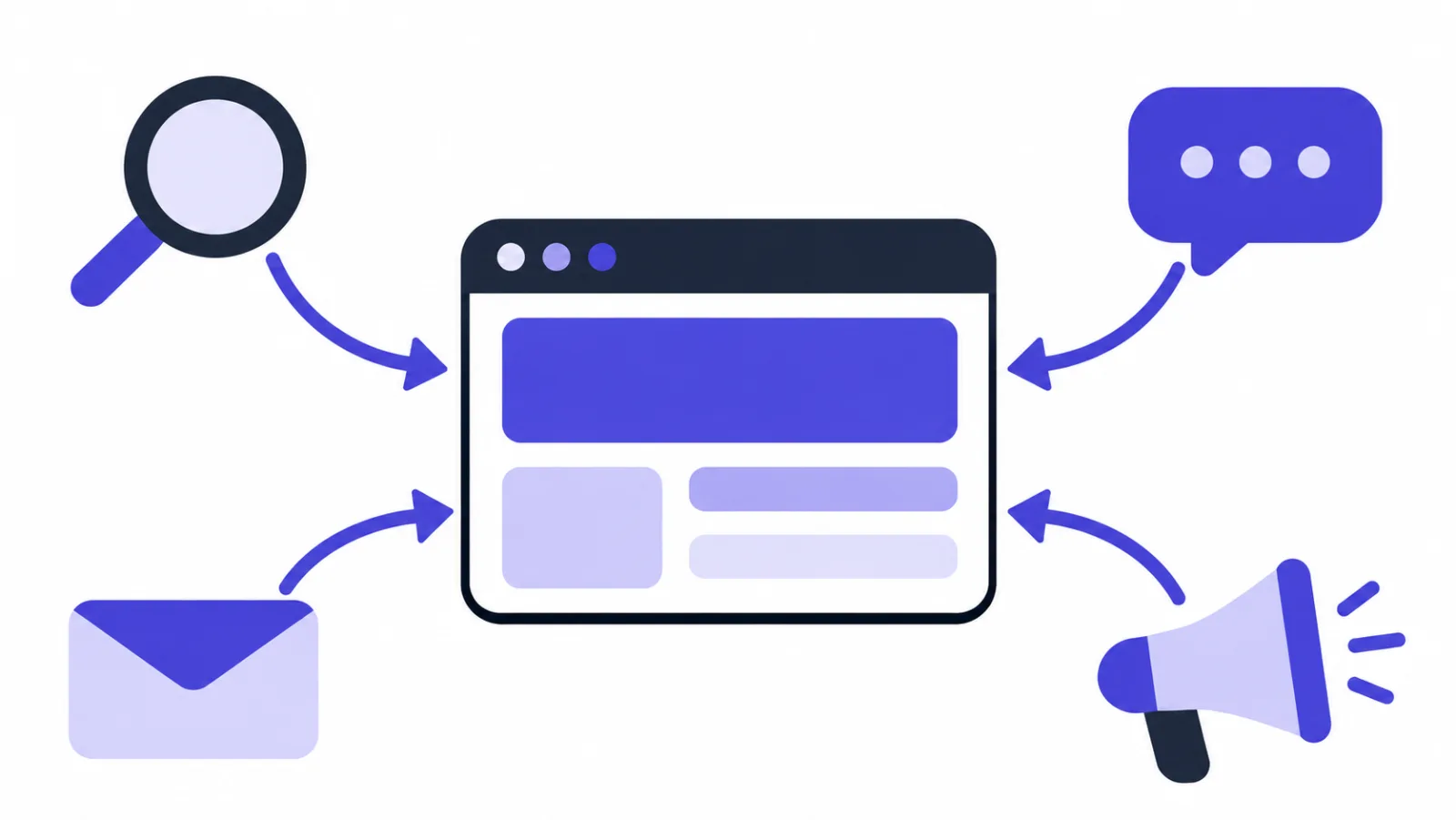
To see where website visitors come from, you only ever have two clues: the referrer the browser sends with the click, and the tracking parameters on the URL the visitor landed on. The first one is attached by whoever linked to you, so you cannot control it. The second one you add yourself, so you control it completely. That split explains almost everything confusing about traffic source reports.
Key takeaways
- The referrer is the page the visitor clicked from; without it, the visit is filed as Direct.
- Tag every link you publish with UTM parameters, or you will never know which ad or video sent the customer.
- Search keywords are mostly gone: since 2011 Google withholds the query for signed-in users on encrypted search.
- Only tag links pointing in from outside. UTM tags on your own internal links overwrite the real source.
- SealReply shows the source, search term and campaign next to each visitor on every plan.
Below: how channels are detected, why Direct swallows so much of your traffic, how to build a tagged link in five steps, and how to read all of it in analytics and in a chat window.
How is a visitor's source actually detected?
The source is read off the first page the visitor opens, not guessed. When someone clicks a link, their browser sends a Referer header containing the address of the page they clicked from (MDN on the Referer header). Analytics tools and chat widgets read that address, check which kind of site the domain belongs to, and file the visit under a channel. If the landing URL also carries utm_ parameters or an ad platform's click ID, those win: they are more specific than a domain name.
Six channels cover almost everything, and each is detected differently:
| Channel | How it is detected | Typical example |
|---|---|---|
| Ads | A click ID in the URL (gclid, fbclid, msclkid) or a paid utm_medium such as cpc or display |
Someone clicked a search ad or a paid social post |
| Search | The referrer domain is a search engine, or utm_medium=organic |
An organic result on Google or Bing |
| Social | The referrer domain is a social platform | A link in a YouTube description, a Reddit thread, an X post |
The referrer is a webmail domain, or utm_medium=email |
A link in your newsletter | |
| Referral | There is a referrer, but it fits none of the above | A forum, a directory, a partner's blog |
| Direct | No referrer and no parameters at all | Typed URL, bookmark, a link opened inside an app |
A source is recorded once, when the visit begins. As the visitor moves around your site the referrer becomes your own pages, and those internal hops do not start a new visit, so what stays on record is the entrance they came in through.
Why does so much traffic show up as Direct?
Because Direct is the fallback for "no referrer arrived", not proof that someone typed your address. Referrers go missing far more often than people expect:
| What you see | The actual cause | What to do |
|---|---|---|
| A link does well in a community or chat group, but the report says Direct | In-app browsers in WhatsApp, Telegram, Instagram and similar apps often send no referrer | Tag the link with UTM parameters |
| A visitor comes from another site you own and the source is lost | Browsers drop the referrer when going from an HTTPS page to an HTTP one | Put both sites on HTTPS |
| Newsletter clicks land as Direct | The reader used a desktop mail app, not webmail, so there is no referring page | Always add utm_medium=email to newsletter links |
| Visits from a QR code, a flyer or packaging | Scanning opens the URL with no previous page at all | Put the UTM tags inside the URL the QR code encodes |
| A shortener sends traffic and the source shows the shortener's domain | The redirect replaced the referrer with the intermediate hop | Add the UTM tags before you generate the short link |
The rule that falls out of this: tag every link you control, and stop expecting browsers to deliver your attribution for you.
Why can't you see what people searched for?
Because the major search engines stopped passing the query to destination sites. In October 2011 Google announced that for signed-in users on encrypted search, a site would only learn that the visit came from google.com, not what was typed (Google's own announcement). That change is where every (not provided) row in your reports comes from.
Two cases still produce a readable search term:
- Some engines still carry the query in the result URL, in a parameter like
?q=,?p=or?text=, which can be read from the referrer. - You wrote
utm_termyourself on an ad link, so the "search term" you see is really the keyword you bought.
The honest phrasing is therefore: search terms show up when the data is there, and for most organic traffic it is not. To study organic keywords properly, use Google Search Console or the equivalent tool from the engine itself, not your visitor analytics.
What are UTM parameters, and what does each one do?
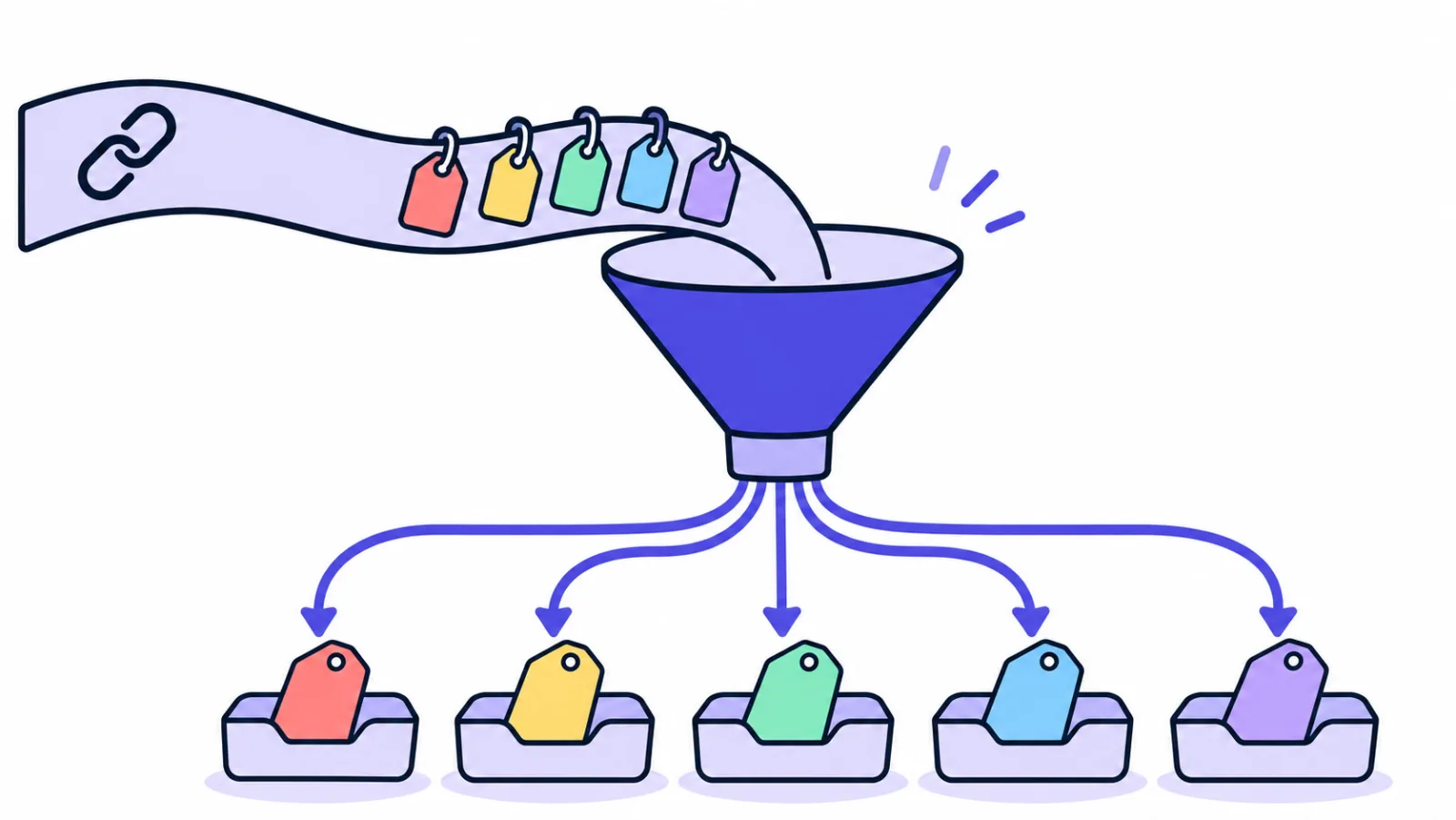
UTM parameters are labels you append to a link so that any analytics tool can tell which channel and which campaign the click came from. They are ordinary query parameters, readable by every analytics product and by your raw server logs, and they do not tie you to one vendor.
| Parameter | Question it answers | Example value |
|---|---|---|
utm_source |
Which platform sent this? | youtube, newsletter, reddit |
utm_medium |
In what form did it arrive? | cpc, email, social, video |
utm_campaign |
Which push does it belong to? | 2026-black-friday |
utm_term |
Which keyword did you buy? | live-chat-software |
utm_content |
Which creative was it? | banner-a, banner-b |
The first three are the baseline, and Google's custom URL documentation recommends always using them together. The last two matter once you run paid ads or A/B test creatives.
How do you add UTM tags to a link?
Five steps, about two minutes per link:
- Start with the landing page address, for example
https://yoursite.com/pricing. - Attach the first parameter: use
?if the URL has no question mark yet,&if it already does —?utm_source=youtube. - Add
utm_mediumandutm_campaign, separating pairs with&:&utm_medium=video&utm_campaign=2026-launch. - Keep everything lowercase and hyphenated.
YouTube,youtubeandYou Tubebecome three separate rows in a report. The convention matters less than applying it every time. - Save the finished link in a spreadsheet: date, where you posted it, which values you used. In six months you will be glad it exists.
The result looks like this:
https://yoursite.com/pricing?utm_source=youtube&utm_medium=video&utm_campaign=2026-launch
Avoid spaces and punctuation in values; use hyphens to separate words. Open the finished link once in a browser to confirm the page loads and your server does not strip the parameters, and it is ready to publish.
Never tag your own internal links
UTM parameters are for links pointing in from outside. Put them on your own navigation or homepage banners and every click starts a brand new visit, overwriting "came from a paid ad" with "came from an internal banner" — you erase the attribution you paid for. Use page paths or events to analyse internal navigation instead.
How do you read sources in an analytics tool?
In GA4, the report is Reports → Acquisition → Traffic acquisition. Switch the dimension to Session source / medium and you get one row per utm_source / utm_medium combination, with sessions and engagement next to it. Switch to Session campaign to see which specific push drove them.
You do not strictly need an analytics tool, either. Your server access logs already record the Referer and the full URL of every request, so a few grep commands give you a rough channel breakdown. It is crude, but it needs no tagging plan and no waiting — which makes it the fastest way to confirm that one new link actually works.
One caveat worth internalising: analytics counts all visitors, while a chat tool counts the ones who spoke up. The first tells you where traffic comes from; the second tells you where revenue comes from. The two numbers will never match, and they are not supposed to.
Seeing a visitor's source while you chat with them
Reports are read afterwards; conversations happen now. So the source needs to sit next to the chat window, not only in a monthly report. SealReply surfaces it in two places.

Live visitors lists everyone on your sites right now, refreshed every 10 seconds, with each person's source, current page and visit count on their row. Spotting someone who arrived from an ad and has been sitting on your pricing page for a while is exactly the moment to greet them.
Visitor details opens beside every conversation. Under "This conversation" you get:
- Came from — one of Direct visit, Search engine, Social media, Ads, Email or Another website
- Referrer and Landing page — the page they clicked from, and where they entered your site
- Searched for — shown when the data is available
- Campaign and Ad click — the
utm_campaignvalue and the click ID such asgclid - Location, Device and Language — the context you need to answer well (the list view never shows email, phone or IP)
With that in view, your first line can be specific. Someone from a comparison keyword wants pricing; someone who came from your docs is usually stuck on setup. For openers you can copy, see 25 live chat greeting messages, and if the visitor writes in a language you do not speak, chatting with customers in another language covers that.
Greet ad traffic differently
In Sites → Greetings by page, add a rule with the match set to "Address contains" and the pattern utm_source=ads, then write a greeting like "Came from our ad? Happy to walk you through the plans." Rules match on the address, so UTM tags work as conditions.
For the aggregate view, open Reports → Sources. It breaks down channels, ad campaigns and the pages people ask from — that is, where the visitors who actually started a conversation came from, and where they opened up.
What each plan includes
Source details in Live visitors and Visitor details are on every plan. Reports cover the last 30 days on every plan; longer date ranges and per-site breakdowns need Pro or above.
You can push the source outward, too. The webhook forwarding script in sending live chat notifications to Slack and Telegram receives events that already carry the visitor's source and landing page, so the alert in your team channel can say which campaign the person came from and nobody has to log in to find out (webhooks need the Starter plan or above).
FAQ
Why don't my analytics and ad platform numbers match?
They count different things. The ad platform counts clicks; analytics counts landing pages that actually loaded and reported a session. Back-button bounces, blocked scripts and cross-device hops all make the second number smaller. A 10–20% gap is normal. Watch the trend and the relative gap between channels instead of chasing an exact match.
Do UTM parameters hurt SEO?
A tagged URL looks like a separate address to a search engine, so keep UTM parameters out of internal links, sitemaps and canonical tags. Use them only on links pointing in from outside, and make sure each page has a canonical tag pointing at the clean, parameter-free version. Done that way, they cause no SEO problem.
Can I tell where visitors come from without Google Analytics?
Yes. Server access logs already contain the referrer and full URL of every request, which is enough for a rough channel breakdown, and a live chat widget shows the source in the visitor's profile. Either way the work is the same: tag the links you publish. That step has nothing to do with which analytics tool you use.
Why are there real customers hiding inside Direct?
Because the people who remember your address are usually the ones who already know you: returning customers, readers of your content, word-of-mouth referrals. A large Direct share is not automatically bad. It just means that part of your traffic cannot explain itself, which is the argument for tagging everything you can.
How long is a visitor's source remembered?
The source belongs to the visit. However the visitor arrived this time is how the visit is counted, and internal navigation never rewrites it. Come back later through a different entrance and that is a new visit with its own source. In SealReply the conversation's source is stored with the chat and kept for your plan's retention period.
Next step
Tag every link you control, then look at your channel report again. Direct will shrink noticeably, and what is left is a number you can actually make decisions with.
Once you know where people come from, the next job is catching them while they are still on the page. Live chat for small business is the full version of that path, from installing the widget to closing the sale.